Check JAMB admission status 2026 easily. Learn how to accept JAMB admission on CAPS and avoid losing your admission on the JAMB portal.
Check JAMB Admission Status 2026
Many candidates lose admission every year because they do not know how to check JAMB admission status or accept admission on time.
Some candidates even mistakenly reject admission instead of accepting it, which can cost them their chance.
This process is handled by the Joint Admissions and Matriculation Board through the CAPS portal.
How to Check JAMB Admission Status 2026
Follow these steps:
Step 1: Login to JAMB Portal
Visit: https://efacility.jamb.gov.ng/
Enter your email and password
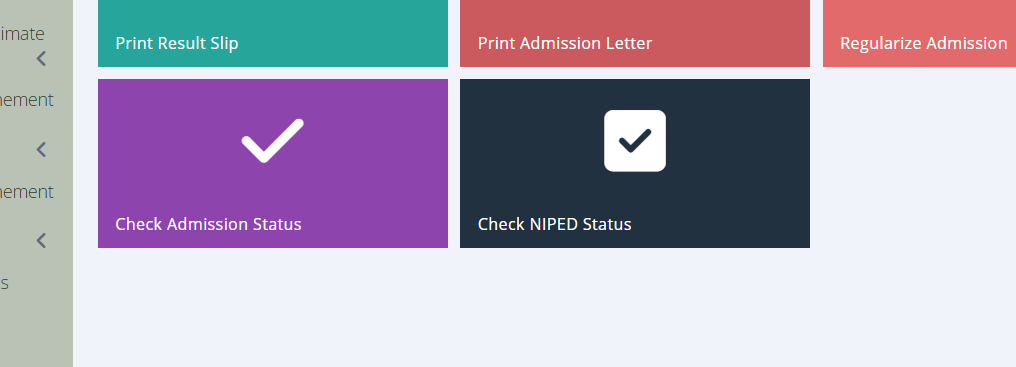
Step 2: Click on Admission Status
- Select “Check Admission Status”
Step 3: Select Your Exam Year
- Choose 2026 (or your UTME year)
Step 4: Access JAMB CAPS
- Click “Access my CAPS”
Step 5: Check Your Status
- Click on “Admission Status”
- You will see:
- Admission Offered
- Not Admitted
- Admission in Progress