
Learn how to check JAMB result on the portal, via SMS, and online. Access the official JAMB result checker portal and check your 2026 UTME result easily.
How to Check JAMB Result 2026 (Portal & SMS Guide)
After writing the UTME, the next step is to check your result. Many candidates are searching for how to check JAMB result on JAMB portal, how to check JAMB result through SMS, and the official JAMB result checker portal.
The Joint Admissions and Matriculation Board (JAMB) provides two easy methods to check your result: online (portal) and via SMS.
How to Check JAMB Result on JAMB Portal (Online)
Follow these steps to check your result online:
- Visit the JAMB eFacility Portal
Click here: https://efacility.jamb.gov.ng/ - Log in to your profile
Enter your JAMB registration email and password.
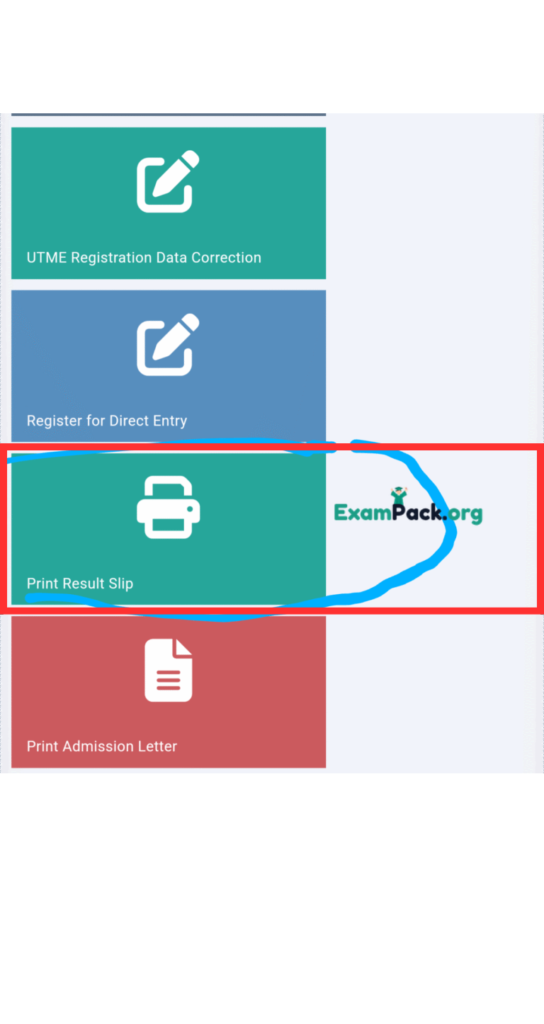
If you forgot your password, use the “Forgot Password” option to reset it. - Click on “Print Result Slip”
This option will allow you to access your detailed result.
- Make payment
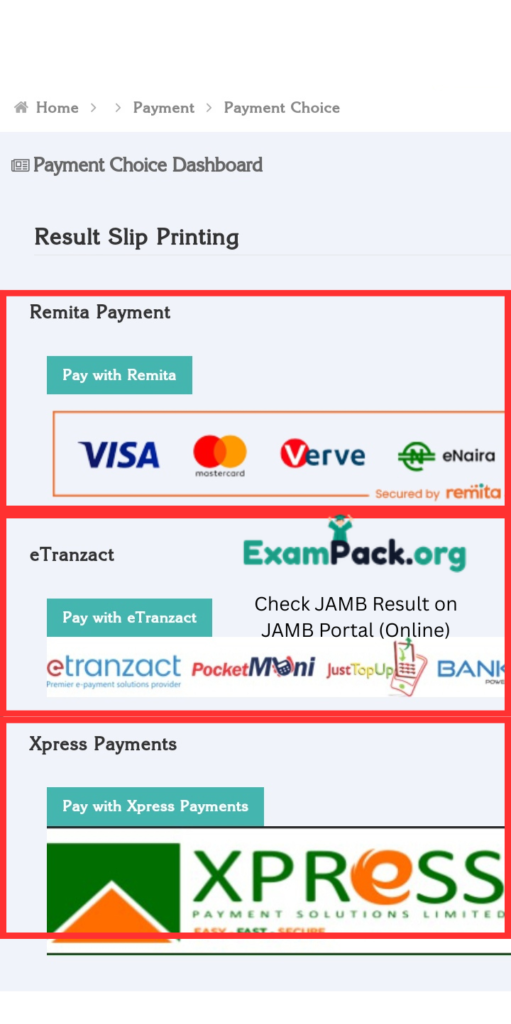
Select a payment gateway and pay a fee of about ₦1500 to access your result slip.
- View and print your result
Once payment is successful, your result will be displayed. You can download or print it.
This method is best if you want to print your result or save it.
How to Check JAMB Result Through SMS
You can also check your result without internet using SMS:
- Open your phone messaging app
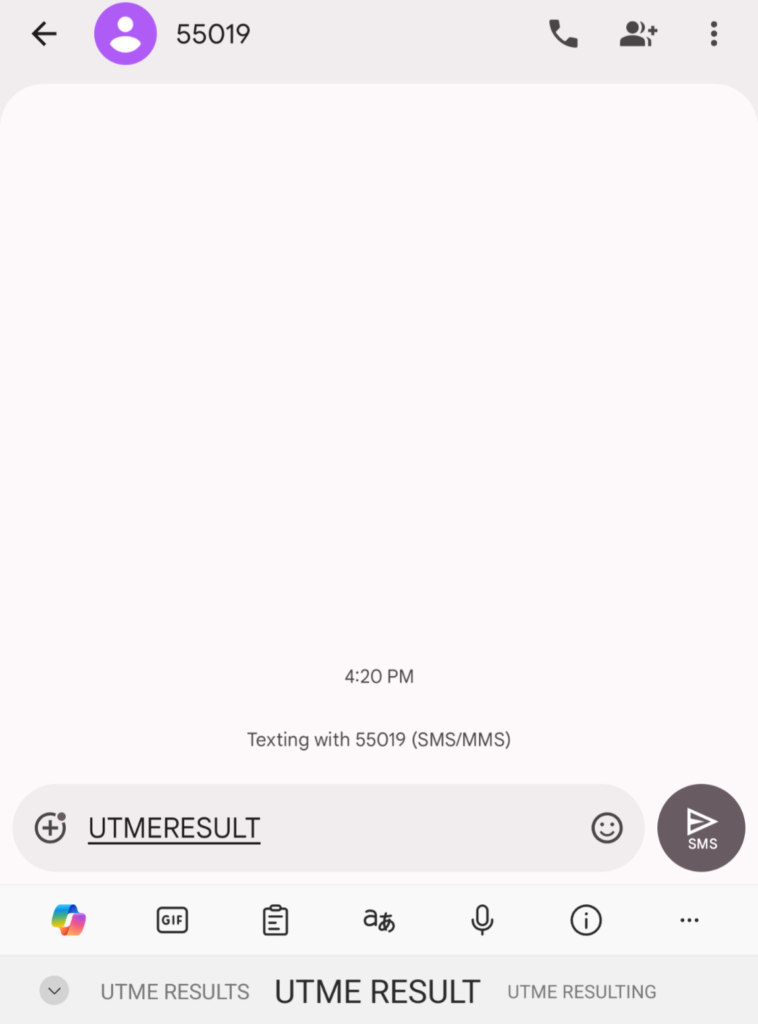
- Type UTMERESULT
- Send it to 55019 or 66019 (using the number used for registration)
- Wait for a reply from JAMB with your result
Note: This service may cost a small fee.
JAMB Result Checker Portal 2026
Candidates should always use the official Joint Admissions and Matriculation Board portal when checking results to avoid fake websites.
My results
I want to see my jamb score or results
I want to see my original jamb results why has it being delayed
I don’t see my jamb results please i need my jamb results
My jamb result
I want to see my jamb score or results
how do I get my jamb results
I don’t see my jamb results please i need my jamb results