JAMB admission letter printing is now easy. Learn how to use the JAMB admission letter portal to download and print your admission letter with or without email in Nigeria
JAMB Admission Letter Printing Now Available Online
The JAMB admission letter printing process is now simple and can be done directly from your phone or laptop using the official JAMB admission letter portal.
You no longer need to visit any CBT center unless you don’t have your login details.
This service is provided by the Joint Admissions and Matriculation Board for all UTME candidates in Nigeria.
What is JAMB Admission Letter Portal?
The JAMB admission letter portal is the official platform where candidates can:
- Print JAMB admission letter
- Check admission status
- Accept or reject admission
- Access CAPS
Portal link: https://efacility.jamb.gov.ng/
Two Ways for JAMB Admission Letter Printing
There are two methods:
- JAMB Admission Letter Printing with Email (Online)
- JAMB Admission Letter Printing without Email
JAMB Admission Letter Printing with Email (Portal Method)
Follow these steps:
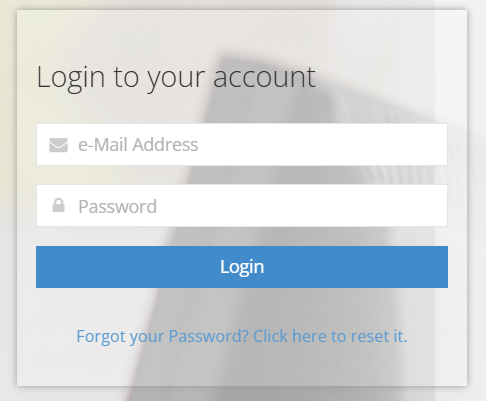
Step 1: Login to JAMB Admission Letter Portal
- Visit efacility.jamb.gov.ng
- Login using your email and password
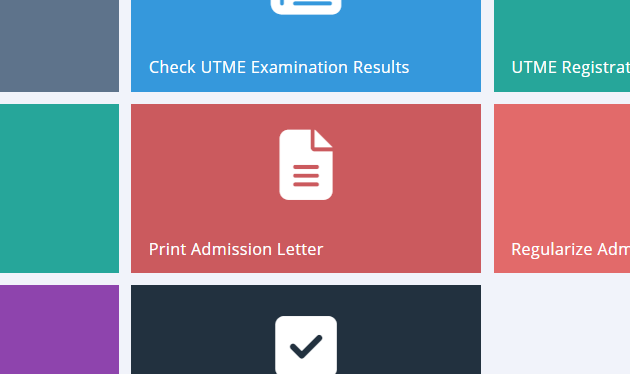
Step 2: Click on Admission Letter Printing
- Locate and click “Print Admission Letter”
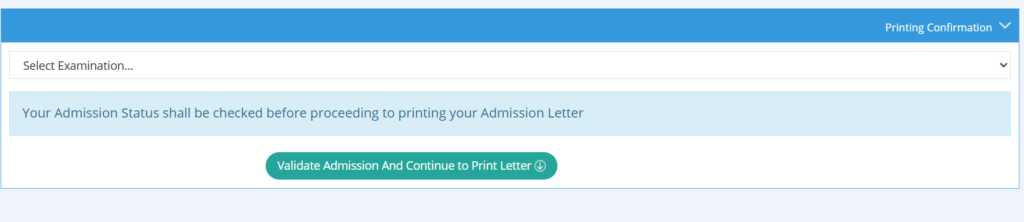
- Select your UTME year (e.g., 2026)
- Click “Validate Admission”
Step 3: Make Payment
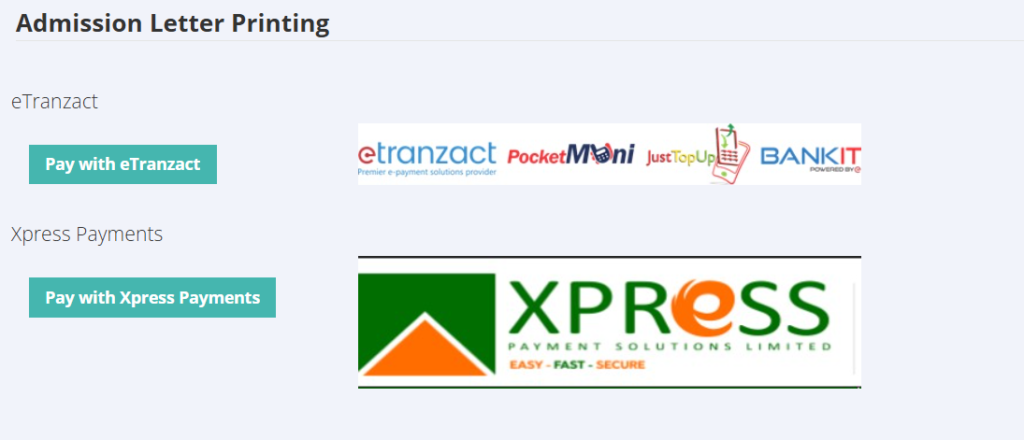
- Pay the required fee (₦1,000)
- Use ATM card or online payment
Step 4: Download and Print
- Your admission letter will be generated
- Download and print immediately
Alternative via CAPS (Important)
If your admission is not showing:
- Login to JAMB portal
- Go to CAPS
- Accept admission
- Return to JAMB admission letter portal
- Complete admission letter printing
JAMB Admission Letter Printing Without Email
If you don’t have your email access:
Option 1: Visit JAMB CBT Center
- Provide:
- Registration Number
- Phone Number
- Profile Code
They will print your admission letter for you.
Option 2: Use Recovery Assistance
You can recover your login details first, then proceed with JAMB admission letter printing online.