JAMB CAPS login 2026 is now active. Learn how to access the JAMB CAPS portal, check admission status, and accept admission using your phone in Nigeria.
JAMB CAPS Login 2026 – Access JAMB CAPS Portal
The JAMB CAPS login process allows candidates to access the official JAMB CAPS portal and monitor their admission status in real time.
Through the JAMB CAPS, you can check if you have been offered admission, accept or reject it, and track your admission progress.
This system is managed by the Joint Admissions and Matriculation Board to ensure a transparent admission process in Nigeria.
JAMB CAPS Portal Link
To perform your JAMB CAPS login, visit:
https://efacility.jamb.gov.ng/
How to Perform JAMB CAPS Login
Follow these steps to access the JAMB CAPS portal:
Step 1: Visit the Portal
Go to https://efacility.jamb.gov.ng/
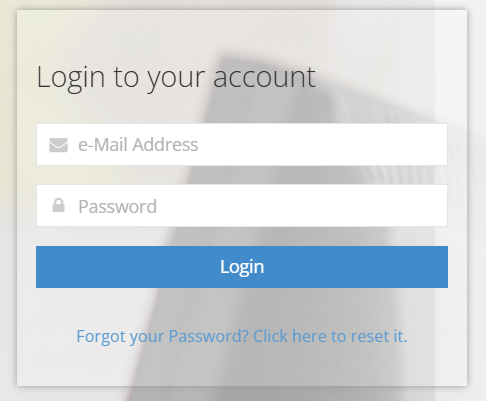
Step 2: Enter Login Details
- Input your email address
- Enter your password
- Click Login
Step 3: Access Admission Status
- Click on “Check Admission Status”
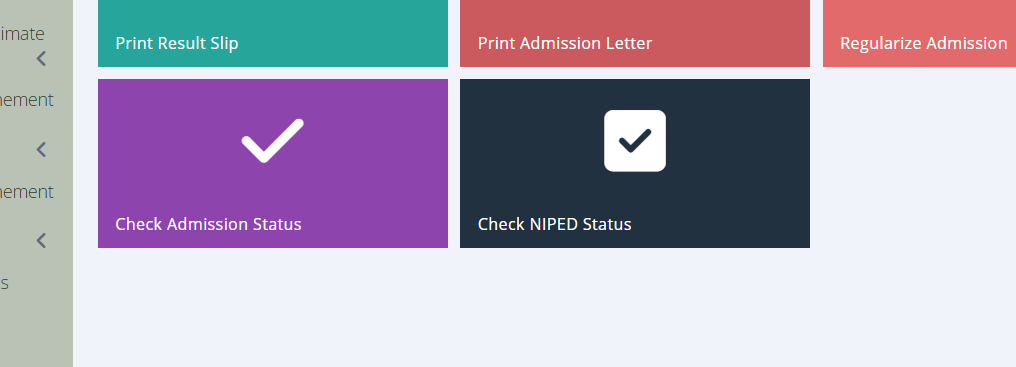
Step 4: Select Your Exam Year
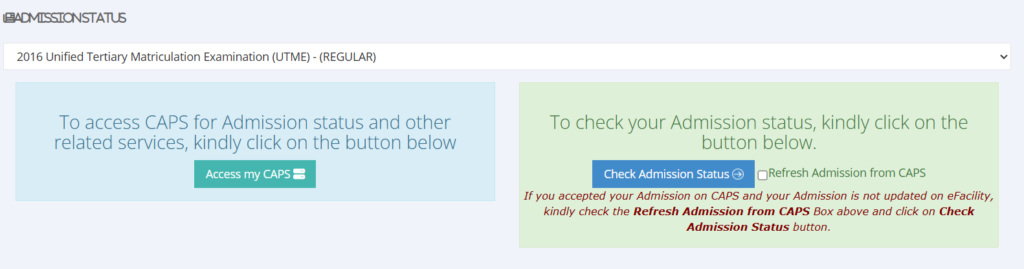
- Choose your UTME year (e.g., 2026)
- Click “Access my CAPS”
- Your JAMB CAPS dashboard will load
Step 5: Regular Admission Status
- click on Step Regular Admission Status
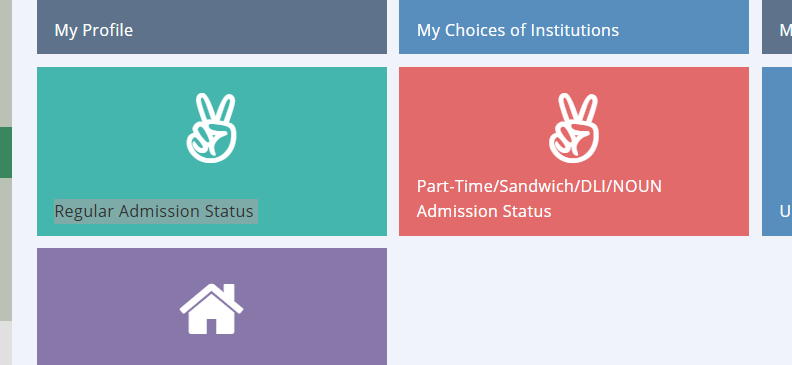
final you see your admission
Accept or reject it
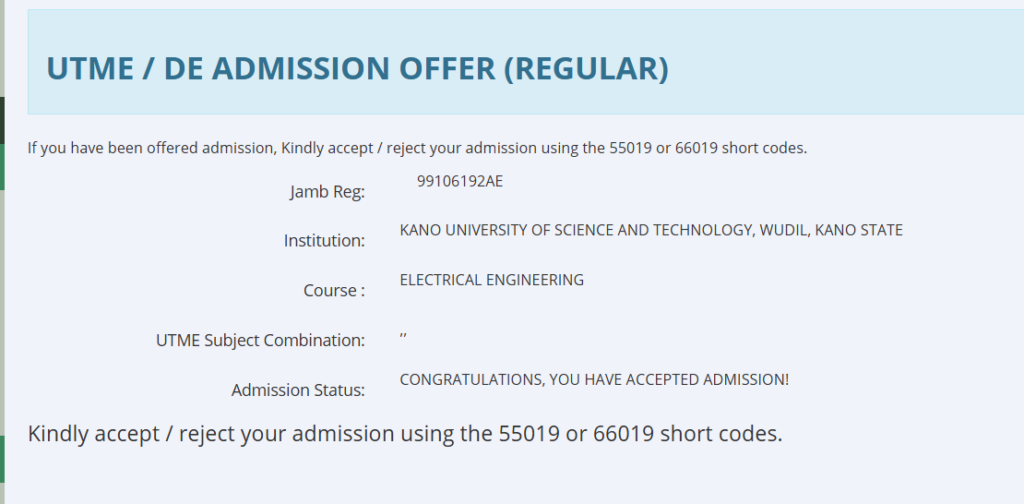
How to Accept Admission on JAMB CAPS
If you see “Admission Offered”:
- Click Accept Admission
- Confirm your decision
- Proceed to print your admission letter