
JAMB 2026 Profile Login Without Visiting a JAMB Center: Many candidates face challenges accessing JAMB services, especially those far from CBT centers. Tasks like checking admission status, retrieving profile codes, printing admission letters, or accessing CAPS can be stressful.
This guide explains how to access your Joint Admissions and Matriculation Board (JAMB) profile easily without visiting any centre, including how to log in, jamb profile login forgot password , and alternative options using your registration number.
How to login JAMB Profile
This method helps candidates fix minor JAMB issues online without going to a CBT center.
Access Your JAMB Profile via Email
- Open the email inbox you used during JAMB registration
- Search for a message from noreply@jamb.gov.ng
- Open the email titled “Profile Creation Details”
- Scroll down to find your login details (email and password)
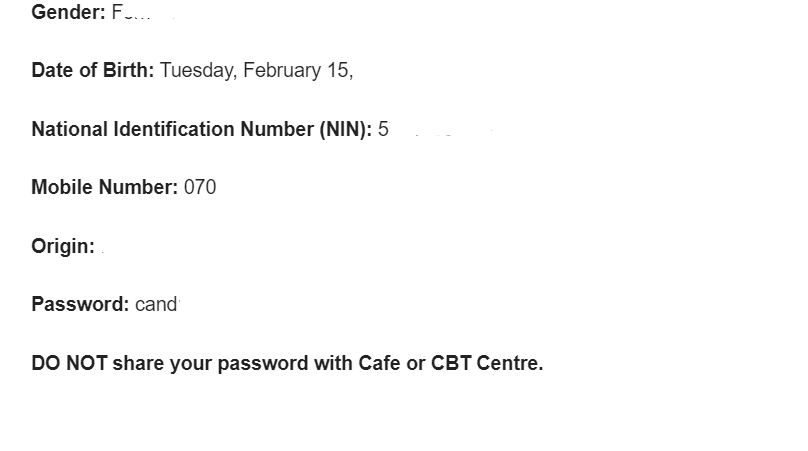
- Visit the JAMB eFacility portal: https://efacility.jamb.gov.ng/
- Log in using your email and password
Reset JAMB Profile Password (If You Forgot It)
it will help for jamb profile login password or or jamb profile login forgot password
- Visit the official JAMB portal: https://www.jamb.gov.ng/
- Click on “Forgot you Password? Click here to Rest It ”
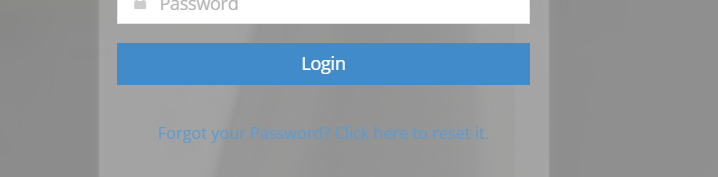
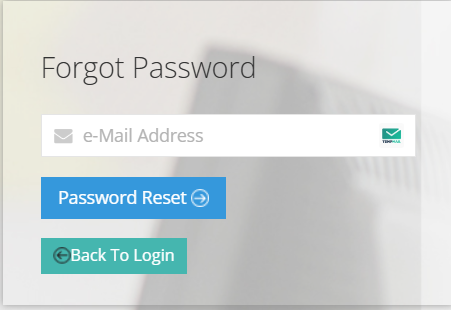
- Enter your registered email address
- Click on “Password Reset”
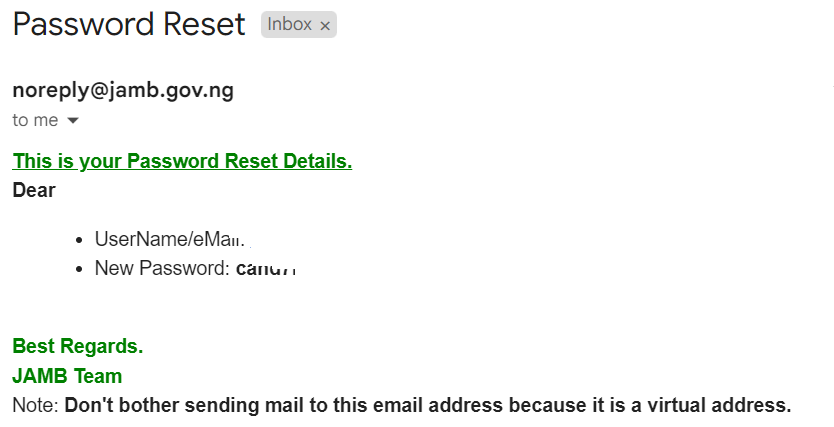
- Check your email for reset instructions
- Use the new details to log in
JAMB Profile Login with Registration Number
Many candidates search for “JAMB profile login with registration number”, but it’s important to understand how it works.
You cannot directly log in to your JAMB profile using only your registration number on the portal.
Best Alternative (Recommended)
- Use your registered email and password to log in
- If you forgot your password, use the password reset option
Hi how would I create my own account with jamb?
Thank you